Prototype 1
Puzzle Game
Project Type: University

Software/Language Used: Unity / C#
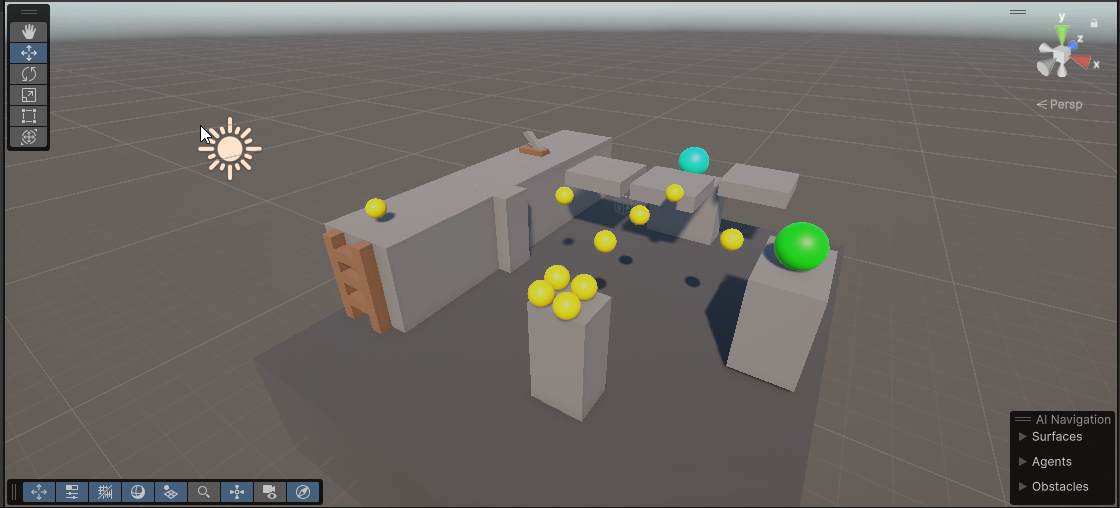
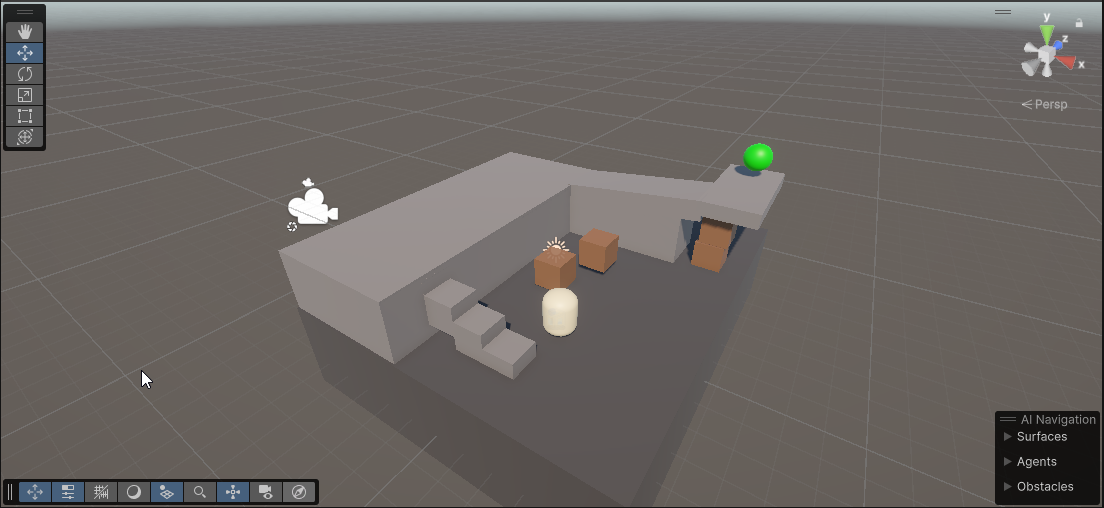
A puzzle game prototype that features only directional input and 1 button.
Camera Control
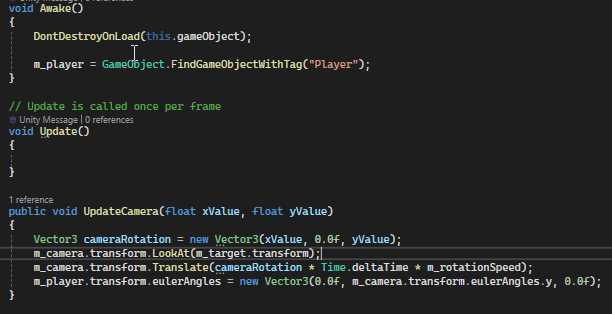
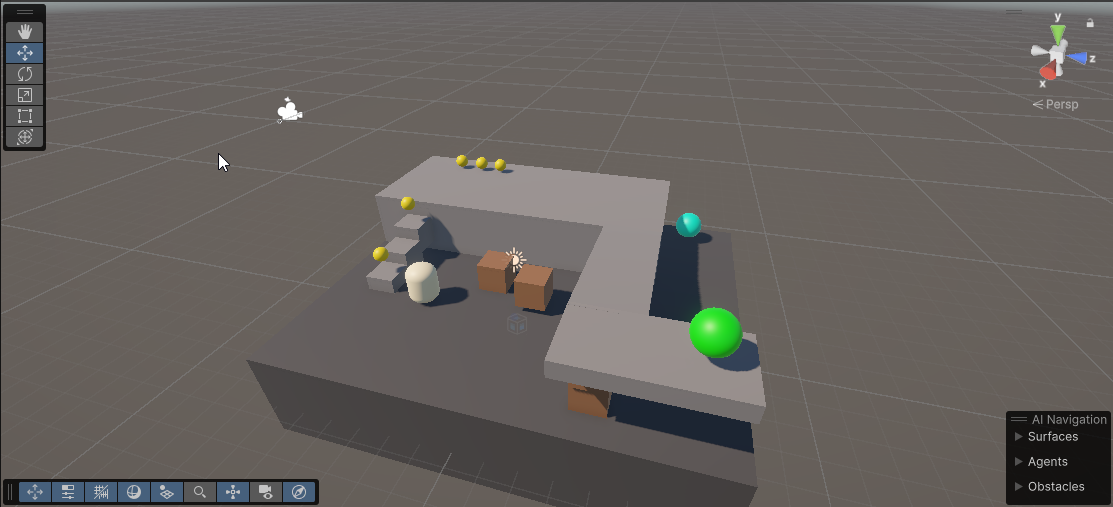
Since this game is designed to be controlled through the use of directional input and 1 button, the camrea can only be controlled when the button (Space in this case) is held. This allows the player to rotate the camera around a point or zoom in and out all using the directional inputs (WASD in this case). The function is called in the player script and takes the directional inputs as parameters. These values are then used to move the camera according to its current rotation, then the camera rotates to look to the center again and adjusts the rotation of the player using Eulers Angles. This is to align player movement with the current camera angle to avoid confusion.
Player Control
Movement is handled via forces. The player has a rigidbody that has a relative force applied to it every physics update. This force is calculated by getting a direction vector read in through input and applying a fixed value and Time to it.
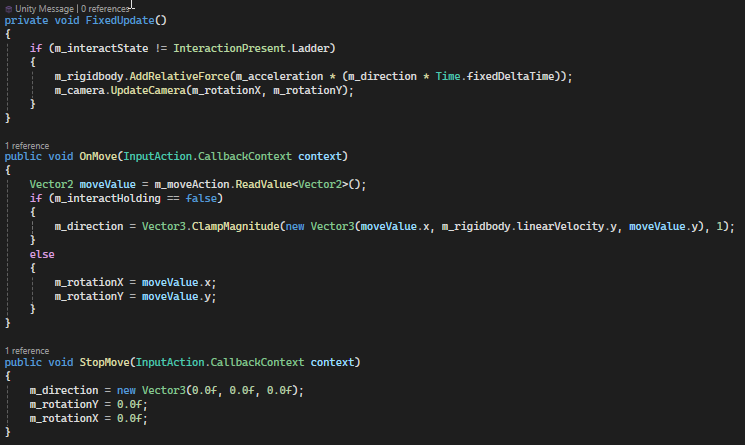
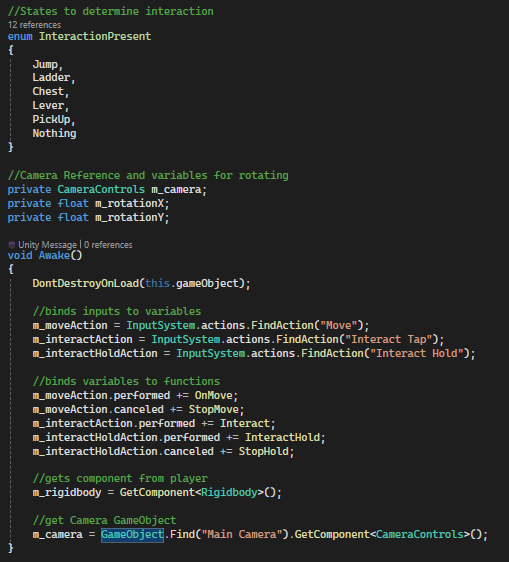
The code below shows how player contols are set up. Actions are retrieved and binded to specific functions on Awake.
Moving Platforms
Movement becomes complicated when moving platforms get involved as we have to account for the force they would apply to the player for them to remain on the platform. To resolve this, I used parenting to attach the player and other objects to the platform, allowing them to all move together.
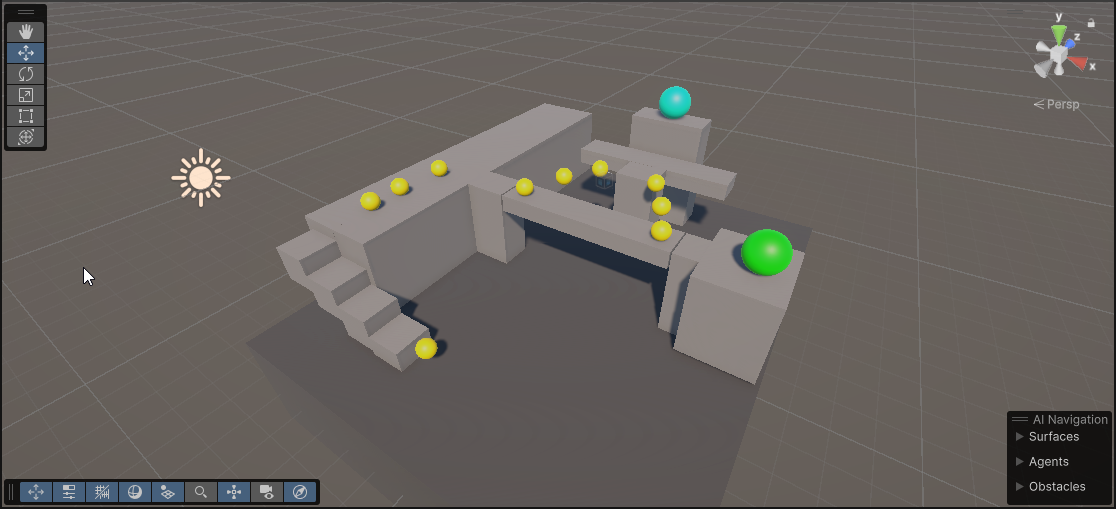
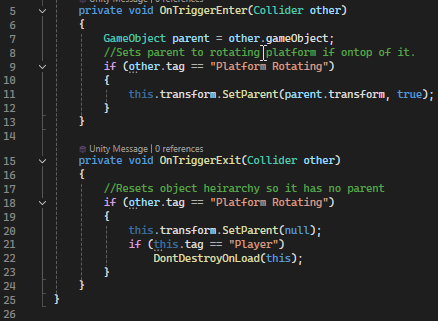
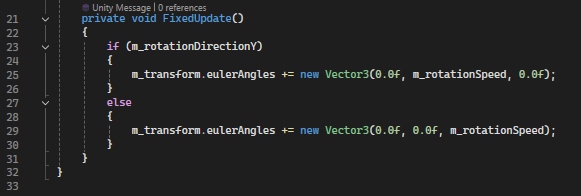
The code below shows rotating platform movement.
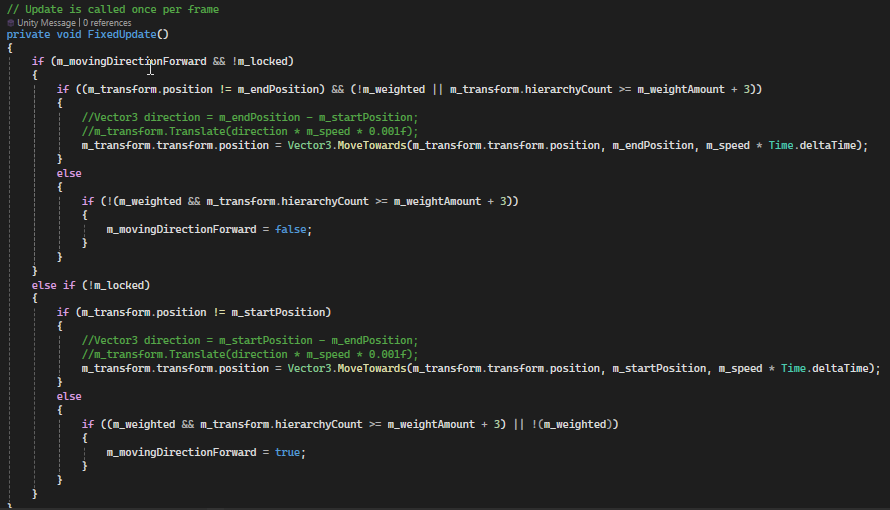
The code below shows directional platform movement. It uses a start point and end point to move between them.
Interact Functionallity
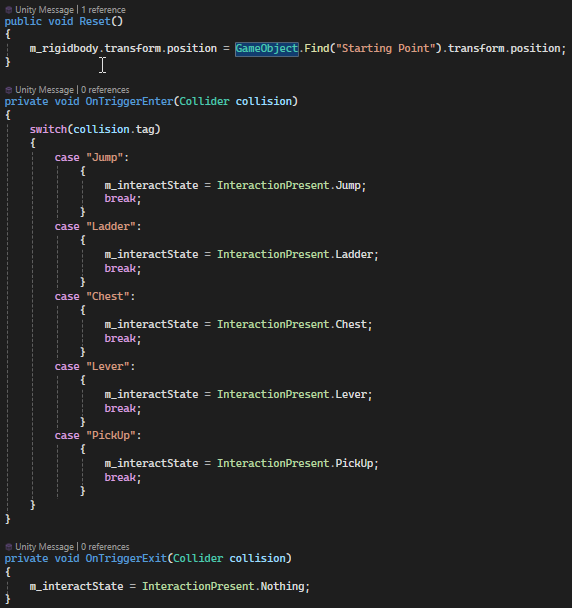
The player can interact with the enviroment through their singular button (Space). Interaction is checked through collision and then when the interact button is tapped, the specific interaction carries out.
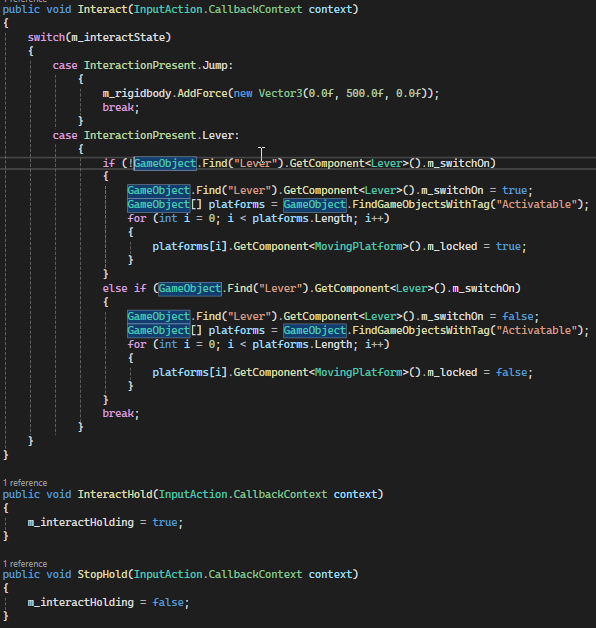
The code below shows how tags read through collision control which interaction should take place, using states for the different interactions.
Collectables
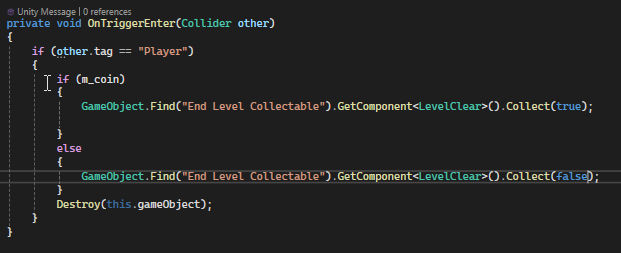
Collectables are managed by the End of Level object. When collectables are collected, a function is called that increments the values of these collectables to be displayed at the end of the level. When the End of Level object is collected, it updates the text for each collectables collected and displays it on screen. It also handles scene changes triggered through the player holding space.
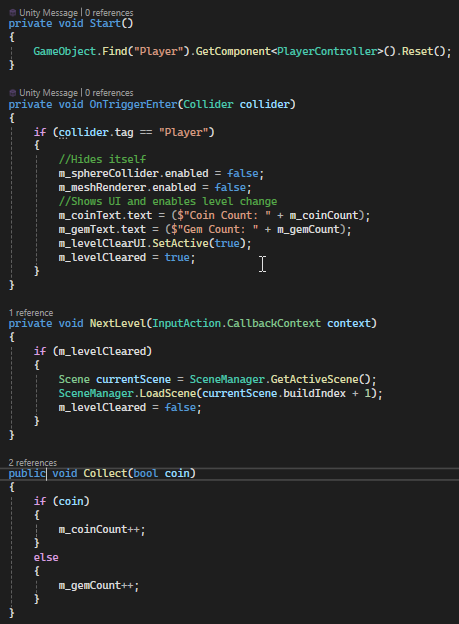
The code below shows how the Coin and Gem collectable work.